
The whole sky,
inside your calendar.
The complete astrology calendar: every moon phase, every retrograde, every exact aspect — as an iCal file (.ics) for Apple, Google Calendar and Outlook. You decide what goes in.
- Based on NASA data DE441
- Instant PDF download
- For you & for gifting
- 14-day money-back
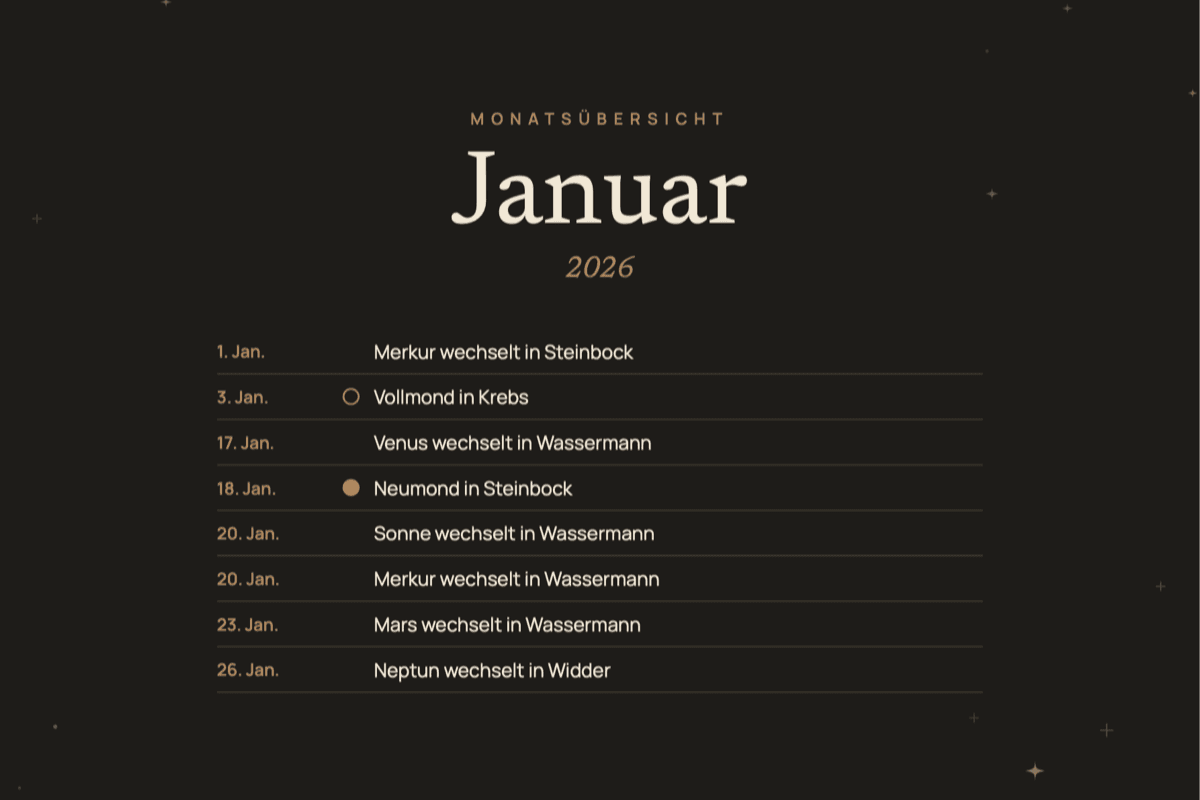






An almanac that thinks along
Every moon moment
Full and new moons with their sign, optionally quarter moons and every Moon sign change — to the minute.
Retrogrades as periods
Exact station moments plus multi-day banners across each retrograde phase — Mercury through Pluto.
Explanations included
Every entry carries a short, plain-language interpretation in its description — no jargon.
Build it your way
Choose planets, aspects and moon detail — the preview shows live what ends up in your file.
Works with Apple Calendar, Google Calendar and Outlook. The first calculation of a year can take up to a minute.
What it looks like
14-day money-back guarantee
Astro dates as an .ics file: what’s in it
A year of sky inside the calendar you already use, computed from ephemeris data.
What the calendar file contains
An .ics file is the open format calendars use to swap events. The Astro Calendar writes a full year of sky into it: every full and new moon with its zodiac sign, quarter moons and each Moon sign change if you want them, every planet changing sign, the stations (the moment a planet appears to stand still and turn around) and every eclipse. If you want more detail, add the exact aspects, the days two planets form a specific angle. Not sure what a square or a trine is? The guide to astrology aspects explains each angle in plain words.
Retrograde phases also show up as an all-day band across every day they cover. You open the week view on Monday morning and see that Mercury has looked like it is moving backwards since Thursday, no lookup needed. What that means is covered on the Mercury retrograde page, and the dates for every planet sit in the list of retrograde planets.
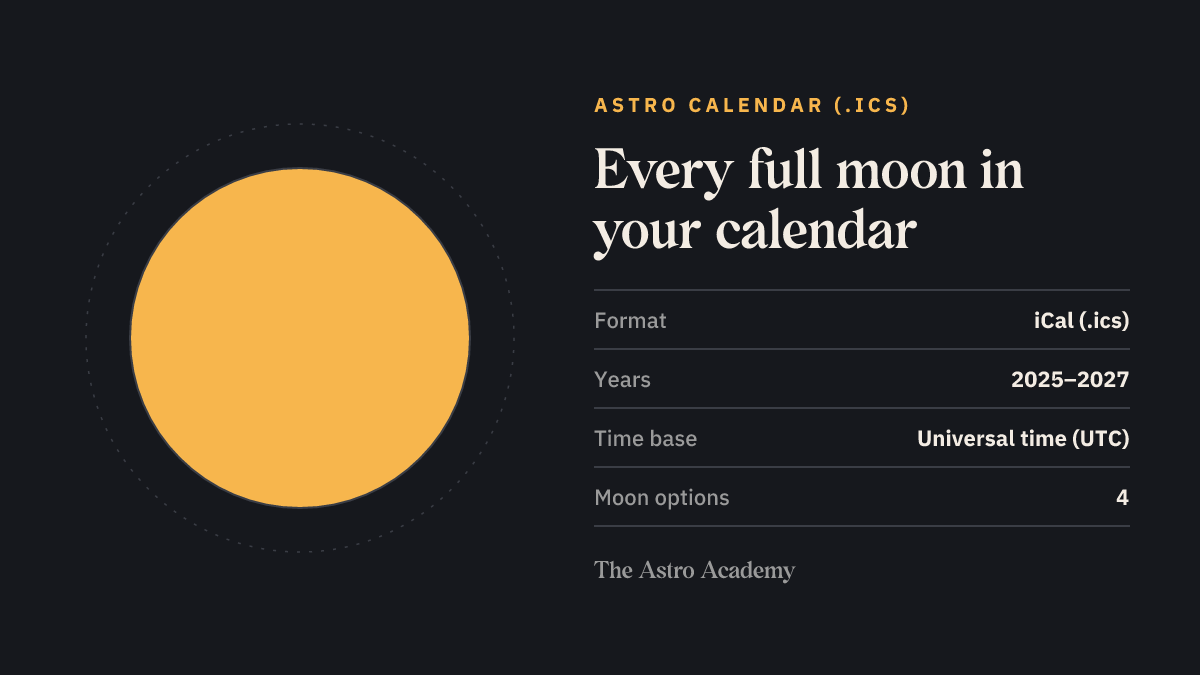
Your choices, one by one
Before you download, you decide how full your calendar gets:
- Planets: Sun to Saturn, Sun to Pluto, or Sun to Pluto plus the lunar Node, Lilith and Chiron.
- Aspects: none, conjunctions only (0°), hard aspects only (0°, 90°, 180°), conjunctions and oppositions, all major aspects, or the majors plus 135° and 150°.
- Moon: no moon events, full and new moons, plus quarter moons, or plus every Moon sign change.
- Extras: sign changes, stations, retrograde periods and eclipses switch on and off one by one.
How the dates are computed
The maths runs on the Swiss Ephemeris, the library professional astrology software is built on. Each event is stored as an exact moment in universal time, and your calendar app converts it to your timezone when it shows it. Fly from London to New York and the full moon moves with you. The file is generated fresh from your settings on every download, so you can keep two: a lean one with moons and eclipses on your phone, and a detailed one with every aspect for planning at your desk.
| Feature | Detail |
|---|---|
| File format | iCal file (.ics), one year per file |
| Years available | 2025, 2026 or 2027 |
| Times | Exact moments in universal time (UTC), shown in your timezone by your app |
| Calendar apps | Apple Calendar, Google Calendar, Outlook, Thunderbird and any app that imports .ics |
| Your inputs | Year, planets, aspects, moon events, extras; no birth data |
| How to get it | Included in Pro, downloaded straight from your Pro account |
Who the calendar is for
The Astro Calendar is the same for everyone: it uses no birth data. You can browse the same events for free in the astrology calendar, which has its own pages for the next full moon and new moon. If you would rather know when the sky touches your own chart, the Transit Calendar is the counterpart: also an .ics file, but computed from your date of birth. Prefer paper? The Astro Planner puts the same events into an A4 weekly planner. Every edition side by side is in the astrology gift shop.
Good to know
Which calendar apps does the file work with?

Any app that reads the open iCal format (.ics): Apple Calendar, Google Calendar, Outlook, Thunderbird, Fastmail and many more. Just open or import the file.
How do I import the .ics file into Google Calendar?
Open Google Calendar on desktop, click the gear → Settings → Import & export, choose the file and a target calendar — done. On iPhone, a single tap on the file adds it to Apple Calendar.
Which timezone are the events in?
All events are stored as exact universal-time moments — your calendar app automatically shows them in your local timezone, even while travelling.
How accurate are the calculations?
Every event is computed to the minute with the Swiss Ephemeris — the same engine professional astrology software uses.
What are the retrograde periods?
On top of the exact station moments, the calendar can add multi-day banners across each retrograde phase — so you can see at a glance that, say, Mercury is currently retrograde.
The sky comes in more formats
The Astro Planner
Your weekly planner with the entire sky of the year.
Included in ProViewYour Birth Chart Book
Your complete birth chart as a book — it exists only once.
Included in ProViewYour Relationship Analysis
How you love, where it sparks, what carries you — from your two charts.
Included in ProViewYour Transit Calendar
Every day the sky touches your chart — as a calendar import and PDF.
Included in ProViewYour Solar Return
Your year-ahead chart from your birthday — what your new personal year brings.
Included in ProViewThe Tarot Handbook
All 78 cards, the best spreads — and your personal birth cards.
Included in ProView